Jigsaw puzzle app for seniors: larger text, pieces the right way up, timer off
Joinova is a jigsaw puzzle app for anyone who likes to puzzle in peace. Three settings make it easier to read and less fiddly: larger text with high contrast, the Relaxed play style with no rotated pieces, and a switch that hides the timer.
Get it on Google PlayFree on Google Play, for Android phones and tablets. No account, no subscription.
Larger text with one switch
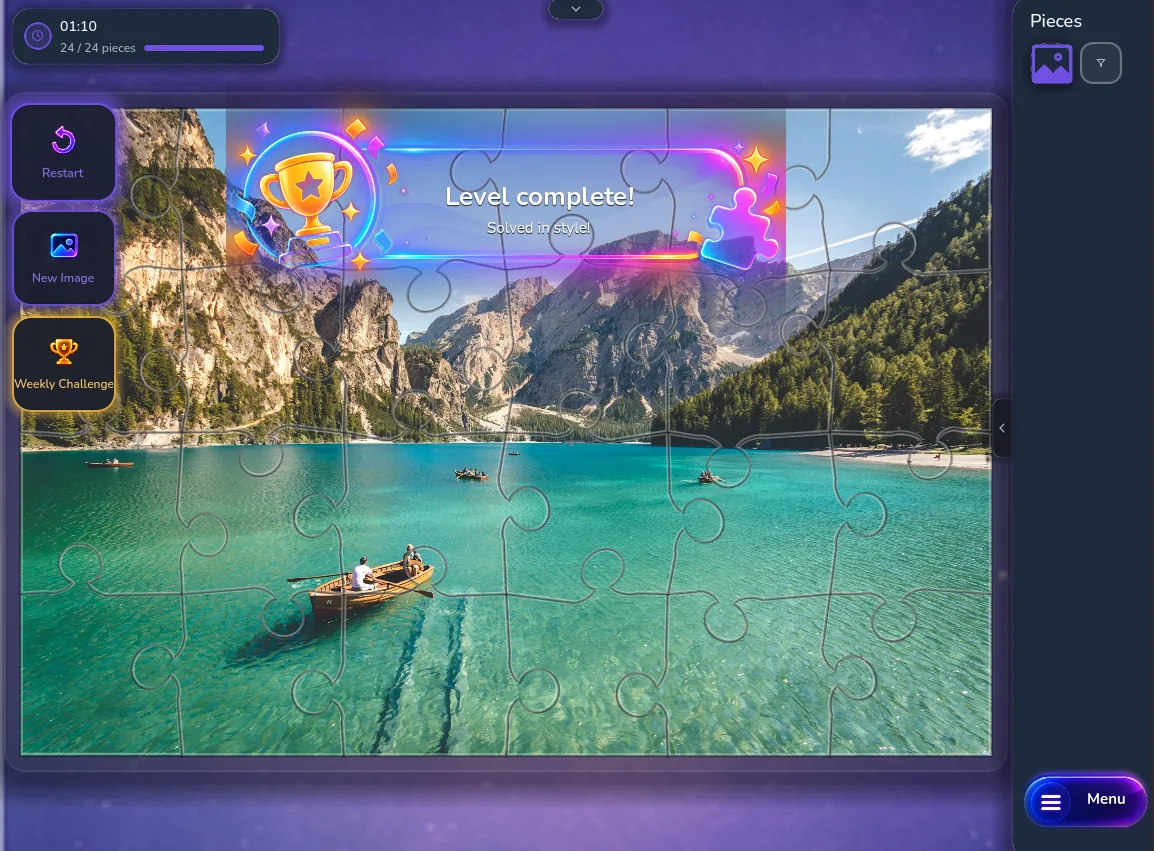
In the settings it's called “Large text & high contrast”. Once it's on, the text in the app is 20 percent larger, it shows in yellow on black, and every puzzle piece gets a yellow outline. The setting stays saved when you close the app.
In the Relaxed play style, every piece is the right way up
There's nothing to rotate. You just drag each piece towards its place, and once it's close, it jumps into position by itself, even if you're not spot on.
You choose the play style before each puzzle, on the “Start New Puzzle” screen. Joinova remembers your choice for the next puzzle, even after you close the app. While a puzzle is running, its play style stays as you chose it. If you'd like more of a challenge later, pick Classic or Pro for your next puzzle; there, some pieces are rotated.
From 25 pieces, and you can zoom in
Before each puzzle you choose how many pieces it has: from 25, up to 300 on a phone and up to 1,500 on a tablet. The fewer pieces, the bigger each one is on the screen.
Use the + and - buttons to zoom in, no pinching needed. To stop the board from shifting when you tap, use “Lock board”. And just like at the table, a filter shows only the edge pieces, so you can start with the frame.
Photos of nature, cities and wildlife
You puzzle photos in these themes: nature and landscapes, sea and underwater life, cities and landmarks, animals and wildlife, birds and insects, flowers and plants, vehicles and technology, art and patterns, fantasy.
Without Premium you can play at least 10 free pictures, found in the “Free” category, plus the weekly challenge picture every week. The free pictures change from time to time. You can preview all the others; Premium unlocks them.
Stop when you like. Pick up where you left off.
Joinova saves your puzzle after every piece you place. If the phone rings, just put the device down. Next time, tap “Continue”.
Don't want a timer running? Turn on “No time pressure” before you start: no time tracking, no entry in your best times. To have it that way every time, turn on “Enable “No time pressure” by default” in the settings.
Free, no account, and ads never interrupt you on their own
Download Joinova for free and play without signing up: no email address, no account.
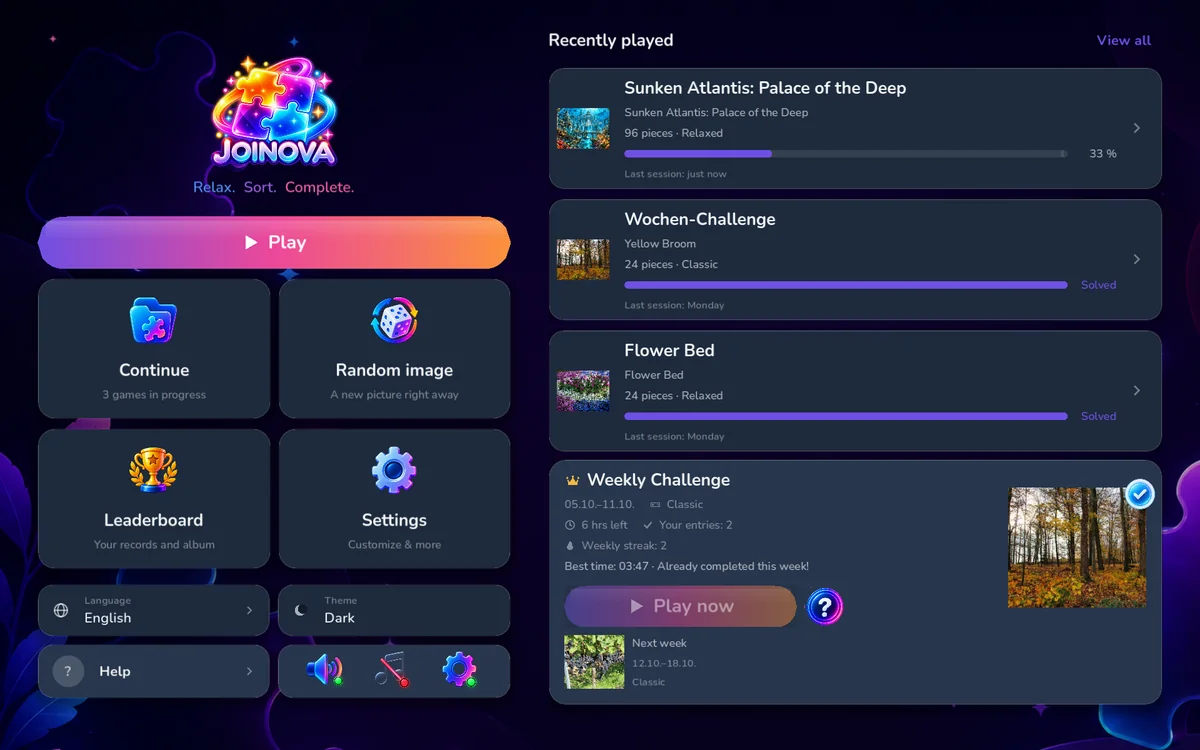
Joinova deliberately shows few ads. They only appear when you open or resume a puzzle, never on their own in the middle of a game. You only see a short video during a puzzle if you tap it yourself, to get another hint.
Premium removes the ads for a one-time purchase: $4.99 in the US (plus sales tax where it applies), £3.99 in the UK. Google Play shows you the price for your country. It's not a subscription, so there's nothing to cancel.
Get it on Google PlaySet up in three steps
- Get Joinova on Google Play and open it.
- In the settings, turn on “Large text & high contrast” and “Enable “No time pressure” by default”.
- Pick a picture, from “Free” if you don't have Premium. Then choose the Relaxed play style and 25 pieces, and start.
Joinova remembers your play style and piece count for the next puzzle. Setting Joinova up for someone else? It's the same three steps, and you won't need an account or an email address.
Questions before you start
Is Joinova free?
Yes. For free you can play at least 10 pictures from the “Free” category, all three play styles and the weekly challenge. Premium is a one-time purchase, $4.99 in the US and £3.99 in the UK; Google Play shows the price for your country. It unlocks every picture and removes the ads.
When will I see ads?
Only when you open or resume a puzzle. While you're puzzling, no ad starts on its own. A video for an extra hint only plays if you tap it yourself. With Premium you see no ads.
Do I need an account or an email address?
No. Joinova works without signing up. The weekly challenge leaderboard is optional. If you join, you pick a display name; you don't need your real name.
Which devices does Joinova run on?
Android phones and tablets; you get it on Google Play. Joinova isn't available for iPhone or iPad yet. On a phone you can choose up to 300 pieces, on a tablet up to 1,500; if you like big pieces, choose fewer of them or play on a tablet.
What happens if I stop in the middle of a puzzle?
Nothing gets lost. Joinova saves on your device after every piece you place. Next time, tap “Continue”.
Can I make the text even larger?
Joinova has one switch for this, not several levels: “Large text & high contrast” makes the text 20 percent larger. To make the puzzle pieces bigger, zoom in or choose fewer pieces.
Start with 25 pieces
Free on Google Play, no account. Make the text larger, choose Relaxed, place the first piece.